Getting Started Guide
Everything you need to know to set up the Crop Disease Identifier. From installation to your very first diagnosis.
Download Installer
Begin by downloading the installer package suitable for your operating system. We support both Windows (10/11) and macOS (Catalina and newer).

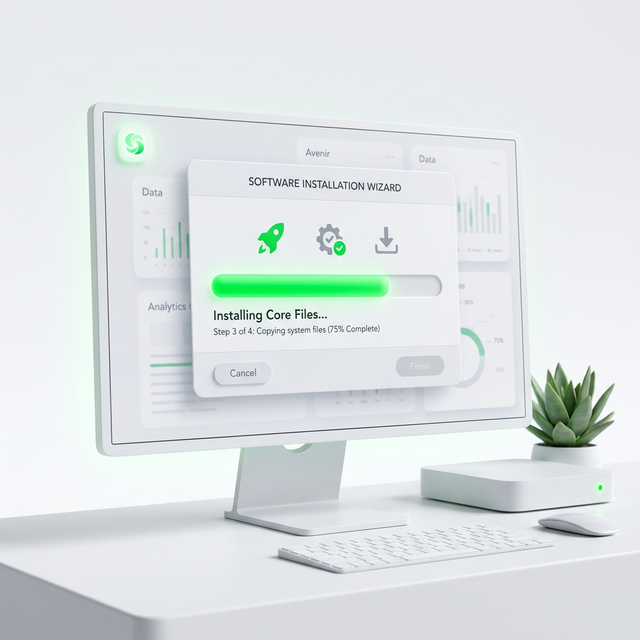
Run Setup
Locate the downloaded file and double-click to launch the setup wizard. Follow the on-screen prompts to complete installation.
Upload Image
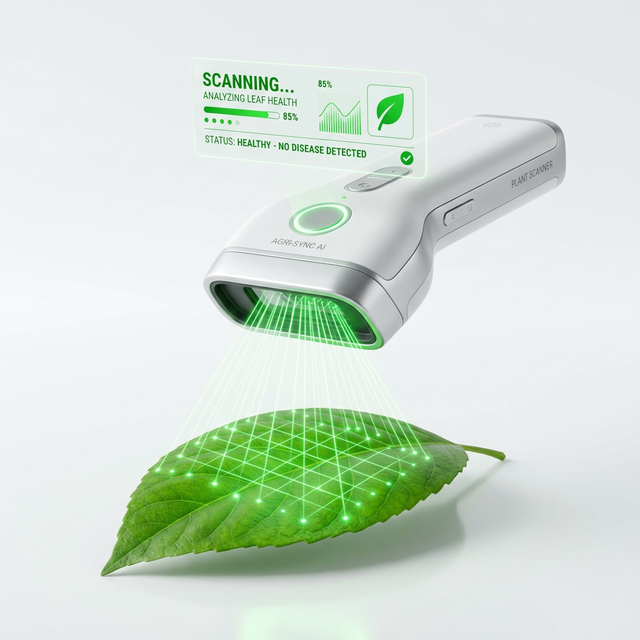
Open the application. On the main dashboard, click the large 'Scan' button. You can either upload an existing photo or use a connected webcam to capture the leaf.
- Ensure the leaf is well-lit.
- Focus tightly on the affected area.
View Results
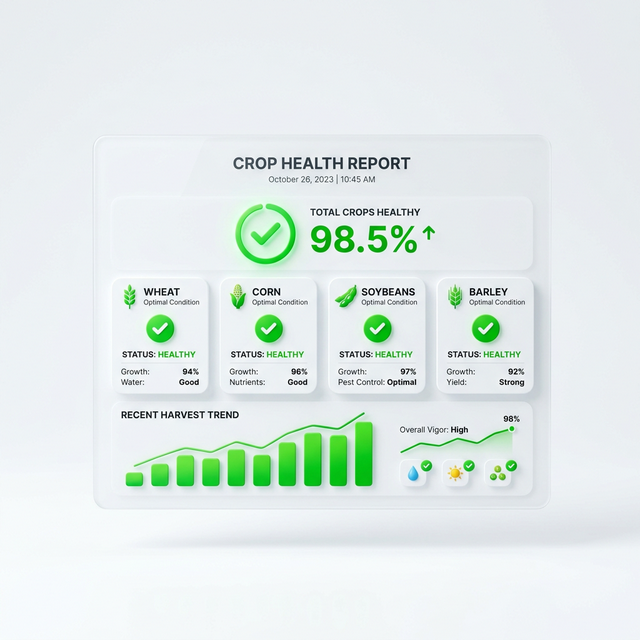
Within seconds, the AI model will analyze the leaf texture and discoloration. You will receive a detailed report including:
Ready to protect your crops?
Download the latest version now and start diagnosing offline. It's 100% free for individual farmers.